

Landing without data is the fastest way to waste your first hour in Korea. You can't open a map, call a taxi, or message your hotel, and the airport wifi login page always seems to pick that moment to break.
The good news: Korea has some of the fastest mobile internet in the world, and getting on it is cheap and easy. You have four options. Here's how to pick.
Option 1: eSIM (best for most people)
An eSIM is a digital SIM you install before you leave home. You buy a plan online, scan a QR code, and your phone picks up a Korean network as soon as you land.
- Best for: trips of a few days to a few weeks, anyone who wants zero setup on arrival
- Upside: no queue, nothing to lose, your home SIM stays in for calls and texts
- Downside: most tourist eSIMs are data-only — no Korean phone number
- Check first: your phone must support eSIM and be carrier-unlocked
Option 2: USIM (physical SIM card)
A physical Korean SIM you pick up at a telecom counter in the arrivals hall — pre-order online for a better price and a faster pickup.
- Best for: longer stays, and anyone who needs a real Korean phone number
- Upside: some plans include a local number for calls and SMS verification
- Downside: you swap out your home SIM (unless your phone is dual-SIM), and there's a counter queue after a long flight
The phone number is the real reason to choose a USIM. Delivery apps and a few booking services verify you by SMS to a Korean number.
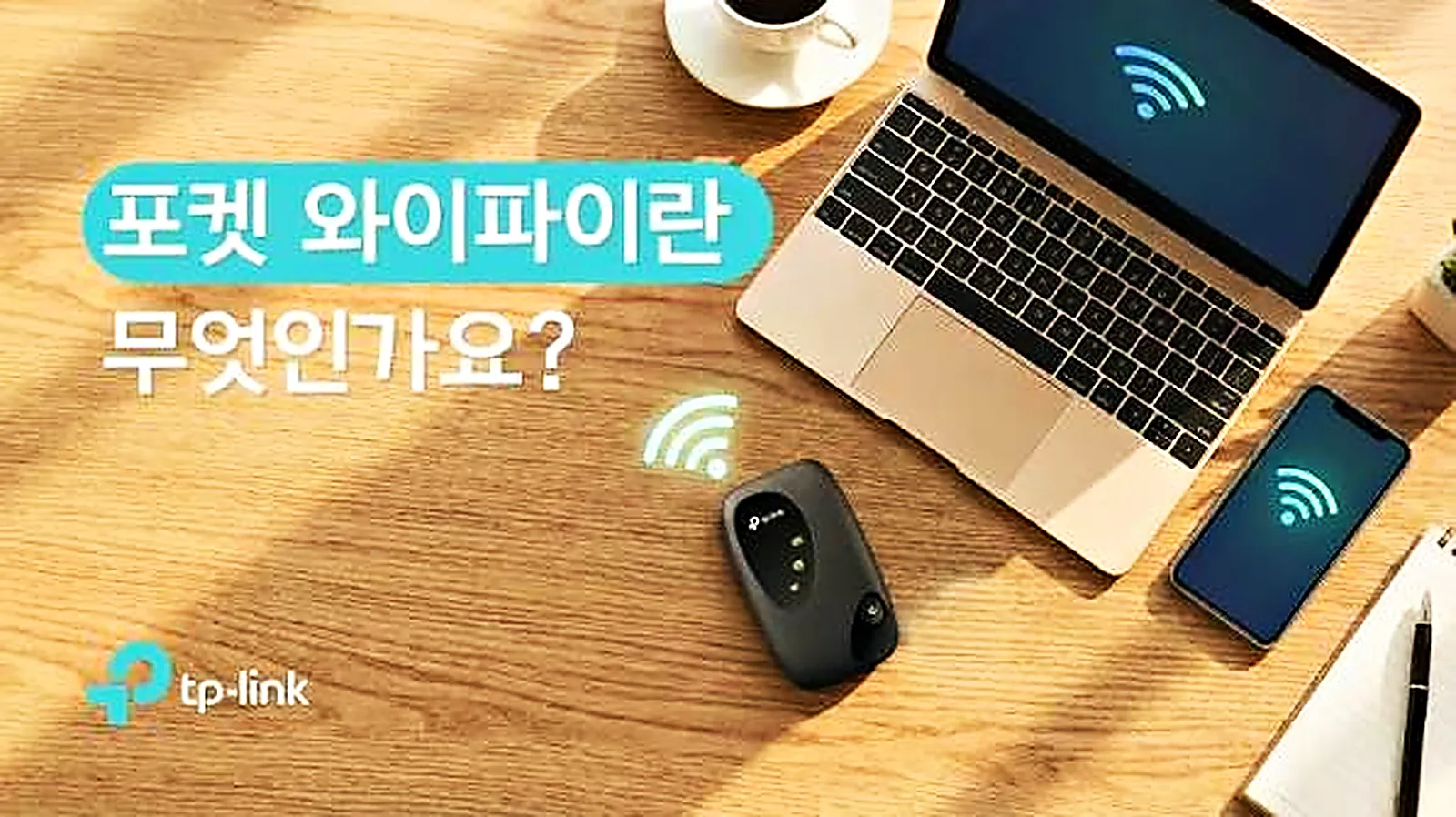
Option 3: Pocket WiFi ("egg")
A small portable router you rent at the airport and return when you leave.
- Best for: families or groups who want to share one connection
- Downside: one more device to charge and carry, and if the person holding it wanders off, everyone loses internet
Option 4: Your home carrier's roaming
Easiest, and increasingly reasonable if your carrier has a good Asia pass. Usually the most expensive per gigabyte, though. Check your plan's daily rate before relying on it.
Side by side
| eSIM | USIM | Pocket WiFi | Roaming | |
|---|---|---|---|---|
| Setup | Before you fly | Airport counter | Airport counter | None |
| Korean number | Rarely | Often (check plan) | No | No |
| Shareable | Hotspot only | Hotspot only | Yes, several devices | Hotspot only |
| Things to return | None | None | The device | None |
| Typical cost | Low | Low–medium | Medium | Medium–high |
Where to buy: the main providers
There are two kinds of seller. Korea's own mobile networks sell short-term tourist plans, and global eSIM apps resell data on one of those same networks. Coverage is excellent either way; the differences are price, data caps and whether you get a Korean number.
| Provider | What you get | Korean number? | Good for |
|---|---|---|---|
| SK Telecom, KT, LG U+ | Tourist eSIMs, or USIMs picked up at the airport | Some plans | Longer stays, anyone who needs a local number |
| Airalo | Data-only eSIM packs, managed and topped up in its app | No | Short trips on a budget |
| Holafly | Unlimited data for a set number of days | No | Heavy users who don't want to count gigabytes |
| Klook | The Korean networks' tourist eSIMs and airport-pickup SIMs, often cheaper than the counter | Depends on the plan | Comparing prices in one place |
- The Korean networks are the choice if you want a local number for delivery apps and SMS verification. Buying online in advance, direct or through Klook, is usually cheaper and faster than queueing at the counter after your flight.
- Airalo and Holafly install in a couple of minutes and you manage everything in their app. Both are data-only, so calls and texts still go through your home number.
- Whichever you pick, check the plan's validity (days) as well as its data, and whether it includes hotspot sharing if you'll tether a laptop.
How much data do you need?
A week of heavy map use, social media and messaging usually fits in 5–10GB. If you'll be uploading lots of video or using your phone as a laptop hotspot, go for unlimited. Korean networks are fast enough that you won't notice the difference between plans — the only question is the cap.
Quick decision guide
| Your situation | Pick |
|---|---|
| Under two weeks, modern phone | eSIM |
| Need a Korean number for apps | USIM with voice/SMS |
| Family or group of 3+ | Pocket WiFi, or eSIMs for everyone |
| Older or locked phone | USIM or pocket WiFi |
| One-day stopover | Roaming or airport wifi |
Installing an eSIM, step by step
The exact menus vary by phone, but the process is the same:
- Buy the plan before you fly and open the email with your QR code
- Connect to wifi at home
- Open your settings — on iPhone, Mobile Data / Cellular → Add eSIM; on Android, Connections → SIM manager or similar
- Scan the QR code and label the new line "Korea"
- Set it as your data line and keep your home SIM for calls and texts
- Leave data roaming off until you land, then turn it on for the Korea line only
Free wifi in Seoul
Even with a data plan, it helps to know where free wifi is:
- Subway stations and trains — most have free wifi, though it can be slow at rush hour
- Public wifi around the city — look for the city's free wifi network in parks, squares and bus stops
- Cafés — many print the wifi password on your receipt
- Hotels and guesthouses — almost all include wifi
Public wifi is fine for maps and messages. Avoid logging into your bank on it.
Power and charging
- Korea uses 220V and Type C / Type F plugs (two round pins, like much of Europe)
- Most phone and laptop chargers handle 220V — check the small print on the plug
- Carry a power bank. Maps, translation and photos drain batteries fast
- Many cafés have sockets, and some convenience stores sell chargers and cables
Frequently asked questions
Will I still get texts on my home number with an eSIM?
Yes, if your phone is dual-SIM. Keep your home SIM active for calls and texts (watch your home carrier's roaming charges) and use the eSIM for data.
Can I buy an eSIM after I land?
Yes — most providers let you buy and install one on airport wifi. It's just calmer to do it at home.
Does it work outside Seoul?
Yes. All three major Korean carriers cover the whole country, including Busan and Jeju.
My phone says "SIM not supported." What now?
Your phone is probably carrier-locked. Ask your home carrier to unlock it before you travel, or go with a pocket WiFi.